

Table 8(A) GSTR-9 Not Matching GSTR-2B? Fix ITC Mismatch
If you are filing your GSTR-9 Annual Return and notice that Table 8(A) is not showing the correct ITC as per GSTR-2B, you’re not alone. Thousands of taxpayers face this error every year. The good news? The issue is fixable—provided you understand why it happens and how to report it correctly in the annual return.
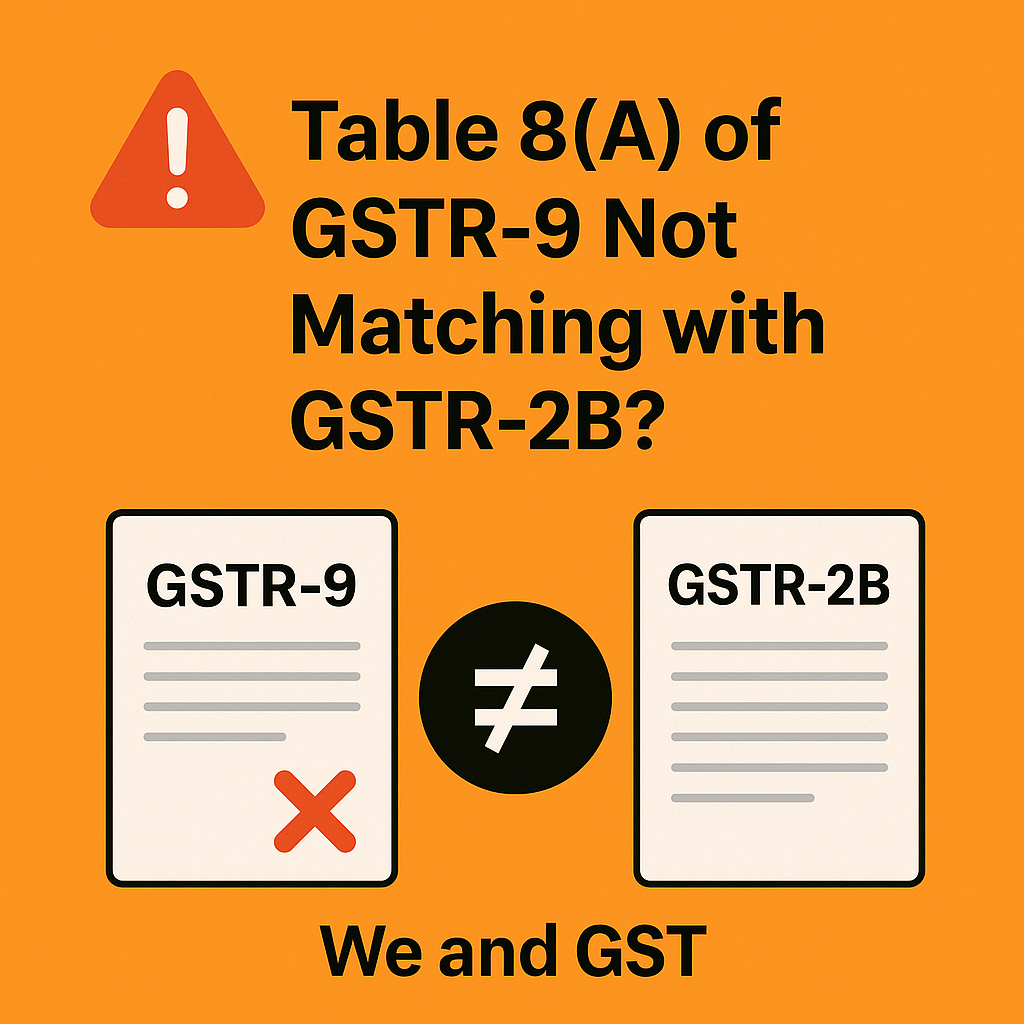
Why Table 8(A) Shows Incorrect ITC?
Table 8(A) of GSTR-9 is 100% system-generated. It pulls data only from the auto-drafted GSTR-2B of that specific financial year.
If your 8(A) value is wrong, it means the invoice was not available in the FY’s 2B.
The most common reasons include:
✔ 1. Supplier filed GSTR-1 after the FY cutoff
Invoices uploaded after the due date of March GSTR-1 will not appear in Table 8(A), even though they show up later in your GSTR2B.
✔ 2. Invoice wrongly uploaded as B2C
A supplier error can block the invoice from flowing into 2B completely.
✔ 3. Incorrect GSTIN entered by the supplier
✔ 4. Supplier never uploaded the invoice in GSTR-1
✔ 5. Occasional GST portal auto-populate issues
How to Correct the ITC Mismatch in GSTR-9
Even though you cannot edit Table 8(A), you can correctly report ITC in the following sections:
➡ Table 8(C): ITC available but not availed
➡ Table 8(D): ITC in 2A/2B but ineligible
➡ Table 8(E): ITC claimed but not in 2A/2B
This allows you to justify and explain the mismatch accurately.
Best Practices to Avoid Notices & Scrutiny
✔ Perform FY-wise ITC reconciliation (Books vs GSTR-1 vs 2B)
✔ Ask vendors to amend incorrect invoices
✔ Maintain working papers, payment proofs, and vendor-wise reconciliation sheets
Conclusion
A mismatch in Table 8(A) of GSTR-9 does not stop you from filing a correct annual return. With proper reconciliation and accurate reporting in Tables 8C–8E, the return remains fully compliant and defensible during scrutiny.
-
GST ITC reconciliation
-
Supplier GSTR-1 mismatch
-
GST annual compliance
-
Table 8C 8D 8E explanation
FAQ Section
Q1. Why does Table 8(A) of GSTR-9 show incorrect ITC?
Because it pulls data only from the GSTR-2B of that financial year. Late-filed or wrongly reported invoices do not appear.
Q2. Can I edit Table 8(A) manually?
No. It is system-generated and non-editable.
Q3. How do I correct ITC mismatch in GSTR-9?
By declaring adjustments in Tables 8(C), 8(D), and 8(E).
Q4. Will mismatch in Table 8(A) lead to a notice?
Not if proper reconciliations and disclosures are maintained.